I'm Julie, your virtual assistant. If you need help finding something, just ask me.


Tickets
Status
Schedules
My Trip
Book
Redeem

Tickets

    Multi-City >


Children and infants must travel with an adult who is at least 18 years or older.

Redeem Points


(Max. of 8)

Learn more about redeeming points online for Amtrak travel.


Status

Check Status of a Train


One city is required if train number is used.


Schedules

My Trip

Find a Reservation

and
-or-
Or

Log in to your Amtrak.com Account

Email this page Change text size smallChange text size mediumChange text size large Print this page

Mobile Applications and Access

Amtrak for iPhone® and Amtrak for Android™

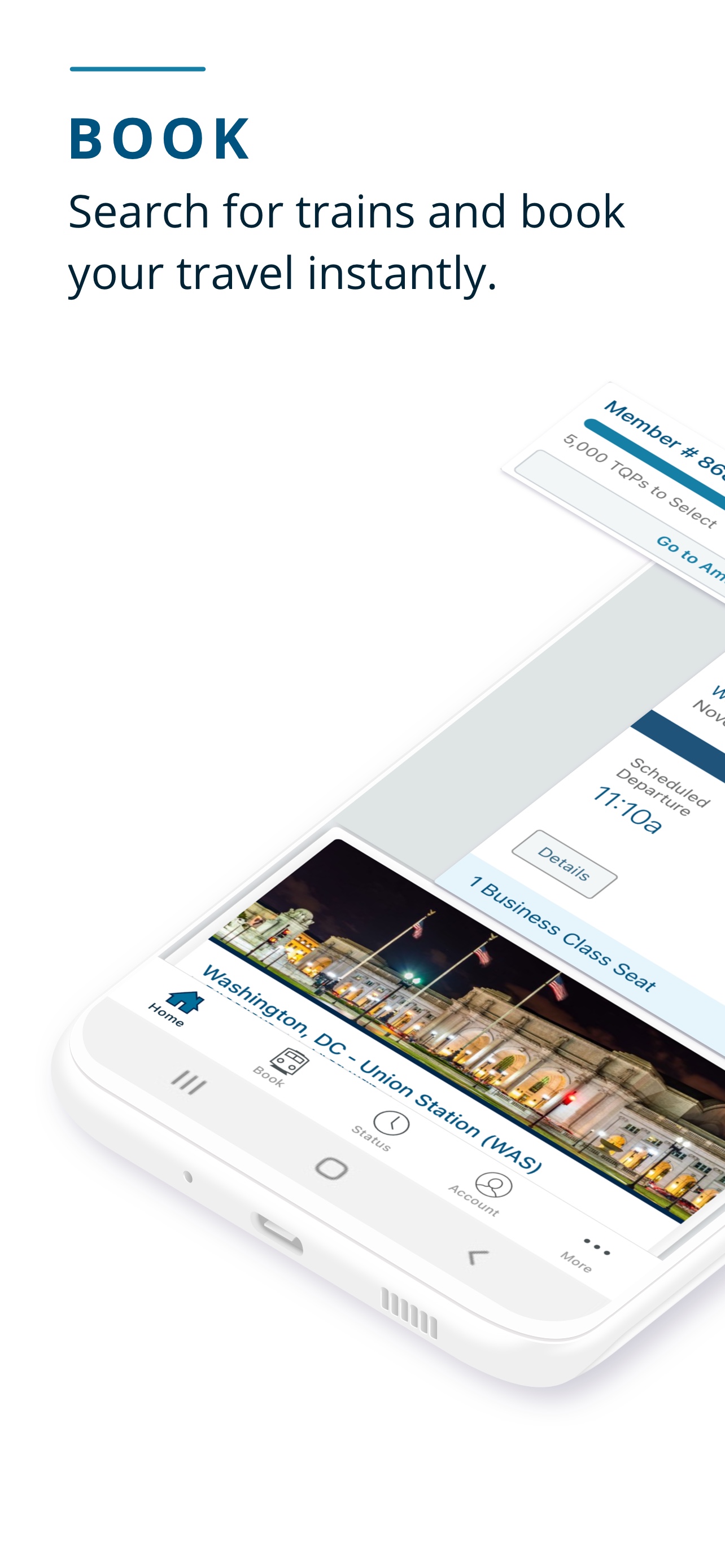
Experience a new way to take the train with Amtrak. Get simple and intuitive access to all the travel information you need, book your trip on the go, and stay up-to-date as trains arrive. Do it all without the hassle of your laptop, making calls or extra trips to the office.

Amtrak for iPhone and Amtrak for Android With the free Amtrak mobile applications, you can:

  • Plan and book travel throughout Amtrak’s nationwide system of trains and buses.
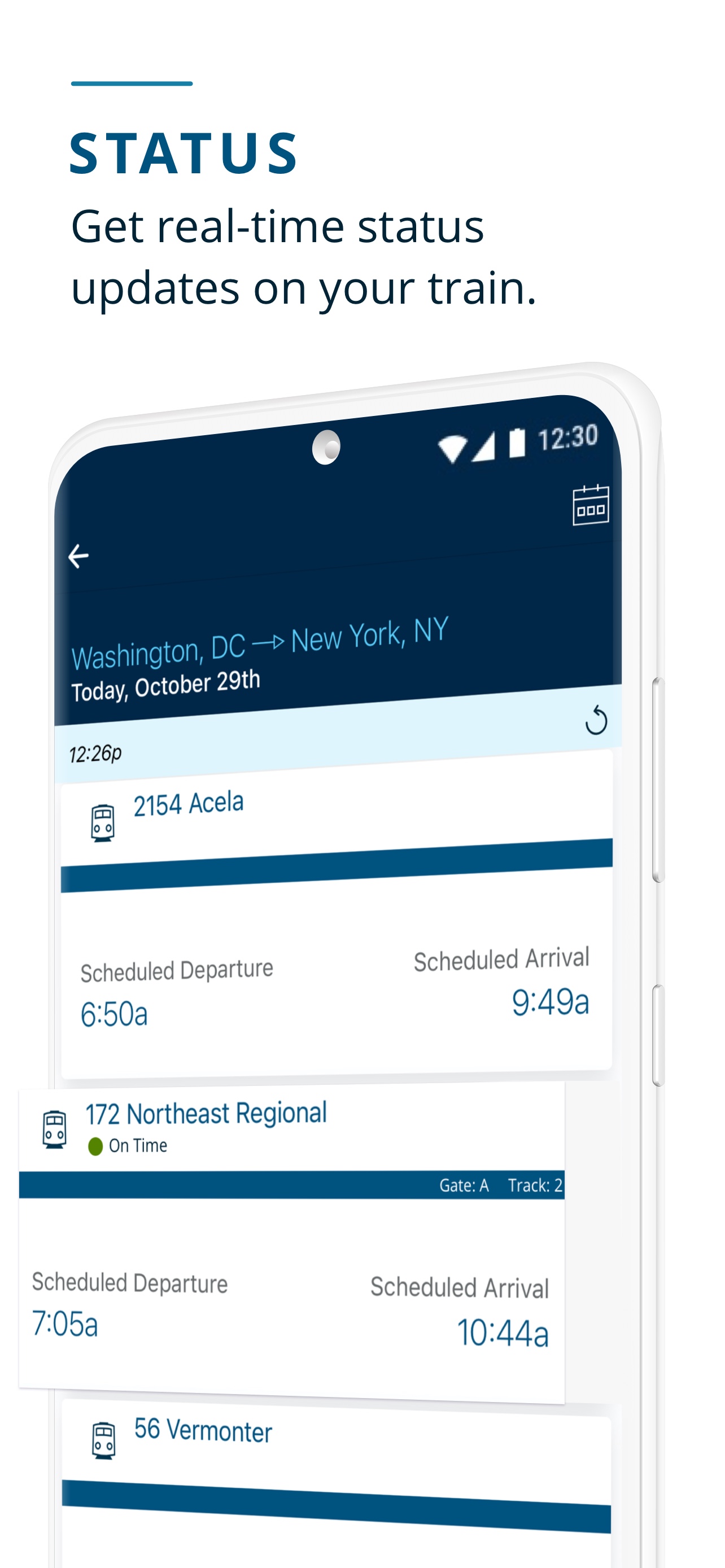
  • Check the arrival and departure status of trains.
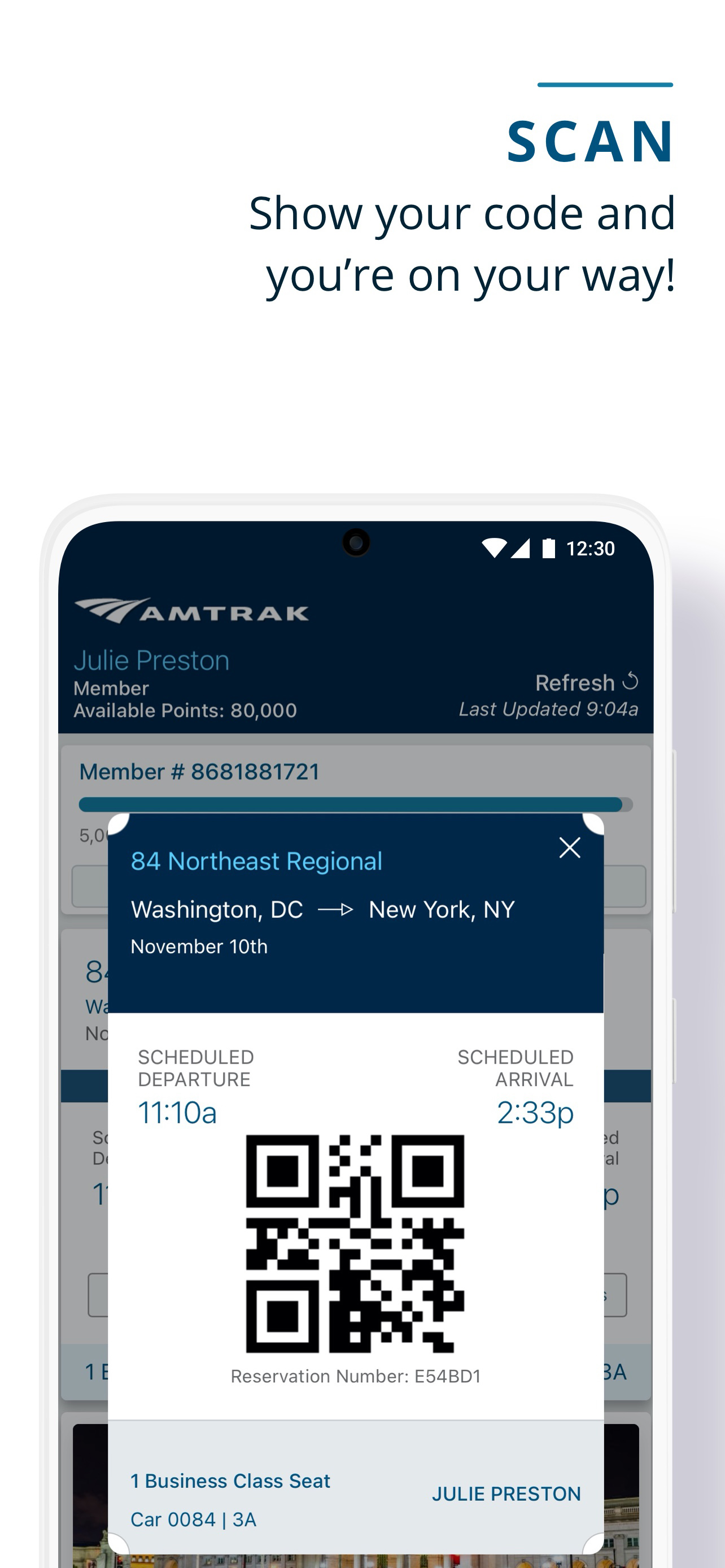
  • Display your eTicket from right in the app. Leave paper behind. eTickets are available nationwide and can be accessed by tapping the ticket icon right from the homescreen.
  • Modify your reservations or upgrade your seat.
  • Search stations for location, building amenities and hours of operation.
  • Connect to your Amtrak Guest Rewards account.

Amtrak App Available on the iTunes App Store   Amtrak App Available in the Amazon App Store for Android   Amtrak Android App Available on Google Play

Access Amtrak.com from Your Mobile Device

Amtrak Mobile Site You can access Amtrak.com on your iPhone®, Android™ smartphone, Windows Phone®, BlackBerry®, Kindle Fire® or other web-enabled mobile device by visiting m.amtrak.com.

Use the Amtrak mobile site to:

  • Make a reservation.
  • Check train status.
  • Get directions and information about stations.
  • Change reservations booked on Amtrak.com.
  • Access your Amtrak.com account.

Easy to view. Easy to book. It's the nation's railway system in a convenient, handheld package, accessible anywhere, anytime and from any web-enabled device.

Amtrak doesn't charge for access to m.amtrak.com, but depending on your service plan, you may be charged by your wireless provider. Contact your provider for more information about fees associated with accessing the Internet from your mobile device.

Amtrak Guest Rewards Mobile

Amtrak Guest Rewards Mobile Site Access your Amtrak Guest Rewards account wherever you go on your mobile phone. It's the fastest way to earn free Amtrak travel, and you can now manage it all on the go.

  • Always know the offers and deals available for faster earnings. Learn about promotions and register directly from the mobile web site.
  • Always know your recent transactions and point redemptions.

Amtrak Guest Rewards

Visit AmtrakGuestRewards.com from any Internet-enabled mobile device.


Frequently Asked Questions About the Amtrak iPhone and Android ApplicationsFrequently Asked Questions About the Amtrak iPhone and Android ApplicationsFrequently Asked Questions About the Amtrak Mobile WebsiteFrequently Asked Questions About the Amtrak Mobile Website
General Information
How much does the application cost?

The Amtrak applications are free to download and use.

Who can I contact if my app isn't working?

You can provide us feedback through the About Amtrak screen in the application, on the Amtrak mobile website or on Amtrak.com. Please select Mobile Web & Apps when submitting the feedback so we can route it to the correct team.

What if I lose my phone? Is my information safe?

Amtrak recommends customers use location tracking applications to help in these situations. These applications can remotely lock your phone and assist in recovery. If another person is able to access the Amtrak application he or she will not be able to make any changes without additional information.

Can I use this app without a network connection?

In order to maintain the most accurate information a cellular or wi-fi network connection is required for many functions.

What if I lose my network connection during a transaction?

You will not be able to continue without a network connection. If you are not sure if your transaction completed please check your e-mail and My Trips list. If your purchase did complete before you lost the connection you will receive an e-mail and the changes will appear in the My Trips section of the application.

Is a Blackberry or Windows Phone version available?

Amtrak continues to evaluate support for multiple types of mobile devices. In the meantime please visit http://m.amtrak.com.

Amtrak for iPhone
Where do I get the Amtrak iPhone Application?

The application is available in Apple's App Store®.

I don't have an iPhone or iPod Touch®. Can I still use the application?

The application is only for Apple products running iOS4 or higher. Amtrak is committed to supporting multiple types of mobile devices. In the meantime please visit m.amtrak.com.

I have an older version of the iPhone. Can I still use the application?

The application is only for Apple products running iOS4 or higher. iTunes will not allow you to install the application on a device running an earlier version. If you have an older device, check in iTunes to see if you are able to upgrade to iOS4.

Amtrak for Android
Where do I get the Amtrak for Android application?

The application is available in Google Play and Amazon stores.

I have an older Android device. Can I still use the application?

The application is for Android products running Android v2.2 or higher.

Reservations
What kinds of tickets can I purchase through the application?

You can purchase one-way and roundtrip tickets. Multi City and Auto Train are not supported. Please visit Amtrak.com to purchase these types of tickets.

I picked a trip but don't see how to proceed?

If you scroll down on the screen you will see an orange button to proceed.

Will I get an e-mail confirmation for purchases and changes made using the application?

Yes. You are required to provide an e-mail address as part of the booking and you will receive an e-mail confirmation. If eTickets are available for your trip the eTicket will be attached to the e-mail.

How do I get tickets for reservations booked through the application?

Customers who book reservations through the application can receive their ticket directly in the app as an eTicket. They can also have the ticket printed at a Quik-Trak machine or by a station agent.

How do I use a discount such as Senior, AAA or NARP?

When making a reservation we request passenger information. On the passenger information screen is the passenger type which can be changed from Adult to AAA Adult, Military, Senior, NARP, Veterans Advantage, Student Advantage or ISIC. While other information is populated from a customer's Amtrak.com profile the passenger type needs to be manually selected.

In the application I can see reservations made on Amtrak.com but on Amtrak.com I can't see reservations made in the application. What's going on?

Amtrak is aware of this situation and we are working on a solution.

I made a reservation on Amtrak.com and changed it in the application. Now Amtrak.com can't access the reservation. What's going on?

Amtrak is aware of this situation and we are working on a solution.

How do I scan my reservation at the Quik-Trak machine?

The eTicket barcode can be scanned at many Quik-Trak machines.

Does it cost more to book using the app?

Tickets purchased through the application are the same cost as those purchased through other methods such as Amtrak.com.

My ticket info is wrong. How do I fix it?

Please call us at 1-800-USA-RAIL (1-800-872-7245) or TDD/TTY (1-800-523-6590).

Stations
What information is available about stations in the application?

Viewing the details of a station will provide a list of amenities, location, a link to maps and the hours of operation.

How do I set a station as a favorite?

In the Android application there are two ways to flag a station as a favorite.

  1. When viewing a list of stations you can tap the star to add or remove it from favorites.
  2. When viewing details about a station there is a button in the upper right to add or remove from favorites.

In the iPhone application there are three ways to flag a station as a favorite.

  1. When viewing a list of stations you can swipe the name in either direction to add or remove it from favorites.
  2. When viewing details about a station there is a button in the upper right to add or remove from favorites.
  3. When viewing the list of favorites there is a button in the upper right to add a favorite.
Amtrak Guest Rewards
Can I use Amtrak Guest Rewards points to purchase tickets in the applications?

Amtrak applications currently only accepts credit cards for purchases. To purchase tickets using Amtrak Guest Rewards points please visit Amtrak.com.

Can I see my Amtrak Guest Rewards point balance? How?

Tapping on the Amtrak Guest Rewards image on the homepage will take you to the mobile Guest Rewards website where you can view your point balance, transactions and promotions.

Do I get my Amtrak Guest Reward points if I book through the application?

If you provide your Amtrak Guest Rewards number during the purchase process you will receive credit for your trip.

Passport
Where is Passport in the Android application?

Passport is currently only available as part of the iPhone application.

What is Passport?

Passport introduces a new way to experience Amtrak travel. In Passport you can check-in to stations and then share those check-ins on Facebook and/or Twitter. Passport also knows when you purchase tickets using the iPhone application. These can also be shared on Facebook and/or Twitter.

How do I set up my Facebook and/or Twitter account to work with Passport?

In the bottom right of the Passport section is an icon labeled Social. This takes you to a screen where you can link to your Facebook and/or Twitter account.

How do I set up Passport to share on Facebook and/or Twitter?

In the bottom right of the Passport section is an icon labeled Social. After you have setup Facebook and/or Twitter there will be links to settings for each service. This is where you indicate what you would like to share.

What are stamps?

Stamps are a way of indicating how much you love Amtrak. Every time you check-in at a station or purchase a ticket you earn stamps.

What can I do with my stamps?

Passport has a list of the users who have the most stamps. Amtrak will periodically surprise random Passport users with special rewards.

In Passport, how do I check in to a station?

You are required to login to Passport using your Amtrak.com account. Once in this area go to the stamps page and click on the button in the upper right.

In Passport, how do I select a station for check-in?

The application detects your location and performs a check-in to the nearest station. You must be within one mile of a station to check in.

What is "Citizen Status" and how do I reach the next level?

Citizen status is an indicator of how much you have used Passport based on your number of stamps.

  • Gandy Dancer: 0-49 stamps
  • Car Knocker: 50-99 stamps
  • Brakeman: 100-299 stamps
  • Train Master: 300-599 stamps
  • Engineer: 600-1499 stamps
  • Conductor: 1500+ stamps
If I check in at a station do I still need to print a ticket?

Yes. Passport does not check you in for travel. You will still need a ticket and present that ticket to the conductor on board the train or bus.

Getting Started
What is the URL, or web address, for wireless access to Amtrak.com?

Just type www.amtrak.com or m.amtrak.com from your web-enabled mobile device.

What do I need to get Amtrak wireless access from my mobile device?

You need a phone or other device with data access capabilities and a web browser. When you visit Amtrak.com from your mobile device, we'll automatically format the site for your device.

Do I need to download any special software to my mobile device in order to access Amtrak.com?

All you need is a mobile browser which is standard on all web enabled mobile devices.

Is there a special wireless communication service plan needed in order to access Amtrak.com?

As long as you can access the internet from your mobile device you can access Amtrak.com. Contact your provider for more information about fees associated with accessing the Internet from your mobile device.

Features
What features are available on the mobile site?

You can check train status, book reservations, get station information, cancel/review reservations, view content in Spanish, access your user profile, manage your Amtrak Guest Rewards account, or send Amtrak feedback.

How do I check train status?

Select 'Train Status', enter the train number and either the departure or arrival city. If you don't know the train number, simply enter both the departure AND arrival stations.

How do I make a new reservation?

Select 'Buy Tickets', enter your departure and arrival cities, the date and time of travel. You can log into your Amtrak.com profile to pre-populate many of the fields, or fill in the fields as you go.

Am I able to upgrade my seat when booking through my mobile device?

Yes, you can upgrade from Coach class to Business class seats or from Business class to First class seats on Acela Express. However, booking Sleeping Car rooms must be completed through the full Amtrak.com site, using the iPhone application or with a reservation specialist on the phone.

Can I review, modify or cancel a reservation?

Yes, log in to your Amtrak.com account and select 'My Trips' to see your current reservations. If you do not have an Amtrak.com account, select 'My Trips', enter your reservation number and the e-mail address or phone number used when making the reservation.

How do I view and edit my Amtrak.com profile?

Select the 'Login' button in the header to access your Amtrak.com profile to speed up the booking process. When purchasing a ticket while logged on Amtrak.com, your information will be automatically filled in for you when you reach the payment section. Information saved in your profile includes: favorite origin and destination, preferred passenger type, Amtrak Guest Rewards number, first and last name, billing and mailing address and some basic contact information (preferred phone number and e-mail address). Your credit card information is not stored.

Once you have logged in to the site you can access your account from the 'My Account' link in the home page footer. From there you will be able to review and edit your account.

I would rather use the standard version of Amtrak.com on my phone, can I still do this?

Yes, click on the 'Full HTML' link in the home page footer.

What is meant by the Full HTML link I see at the bottom of the page on the mobile version of Amtrak.com?

This link will take you to the full HTML version of Amtrak.com. The mobile version of Amtrak.com is optimized for greater ease and quicker access on mobile devices. However, if you prefer to view the full HTML version of Amtrak.com, you may do so by selecting this link.

Troubleshooting
Where did weather go?

Mobile devices have evolved since Amtrak launched the mobile website in 2006. Since there are so many mobile apps and websites delivering this functionality we decided to remove it from our mobile website.

I have accessed the Amtrak mobile site, but I am still having problems getting the system to respond.

Try to access other web sites. If you can't, you may be outside of your service provider coverage. Also, try clearing your browser cache, deleting cookies and checking your browser settings to make sure that JavaScript is not enabled. If none of these work, there may be a temporary problem with the site. Please try again later.